by Susan Lobb Porter | Art, Cool Apps, Photography, Process |
Friend Christina is cleaning. That means if I’m not careful, if I have my back turned or am otherwise engaged, I will discover all sorts of CRAP on my desk. Just. Like. That.
Some of it I even want. Some of it I can use with my class. But the pirate eye patch? No. No no no no no! Even if Johnny Depp wore it once upon a time. Which he did not.
I took the empty pencil tins. The nice ceramic jar for brushes. And half a dozen little bitty used canvasses that someone will be happy to paint over. But I really scored on the books. Collage anyone? Altered anything?
Disclaimer: I don’t cut up beautiful photography books. I photocopy them and then do the cutting.

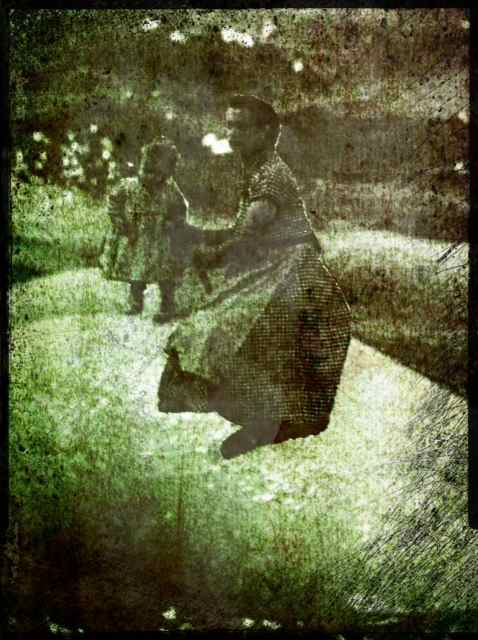
Is this a beautiful little booty or what? Yum yum yum, I know there’s something I can do with this.

And I’m always a sucker for mother and child bonding.

Oh look, Mummy…those people are on a floating booty barge!

And now it’s time for some Grungetastic manipulation.

This style is called Worn. Looks like it’s been through the washing machine. It’s an upgrade purchased through the app. Another 99 cents. I really like it, maybe not for this image. Something where the action is lower on the page.

There are hundreds of variations I can do with this image alone. Picking only one is a challenge. I see using any of these as a transfer added to a painting. Or used as an element in a collage. Or whatever else my heart desires.
Oh man, this is such a cool app!
by Susan Lobb Porter | Art, Photography |
What’s a girl do when it’s cold and rainy and she doesn’t want to go down to the studio and work? But she still wants to make some cool art. WHAT DOES SHE DO???
I don’t know what SHE does but as for moi, the answer was to pull out the iPhone and visit the app store. It’s like the dollar store only better because some stuff is free. Quite a lot of it, actually. And the rest of it’s pretty cheap.
And it’s a gold mine for all sorts of art and photo apps. Like Grungetastic by Jixi Pix Software. Grungetastic isn’t for when you want a pretty photo. It’s for when you want an interesting one. It’s for when you want scratches and textures and layers and you want them NOW, not after hours in Photoshop.
The basic app comes with three styles of grunge: Classic, Bleached and Pop. Each one can be manipulated to your heart’s content. Additional styles can be purchased through the app: Worn Pop, Worn Grunge, Gritty Grunge and Distressed. You can see samples of the last four on their website.
And it costs a whopping 99 cents. Gasp! Gonna break the bank…
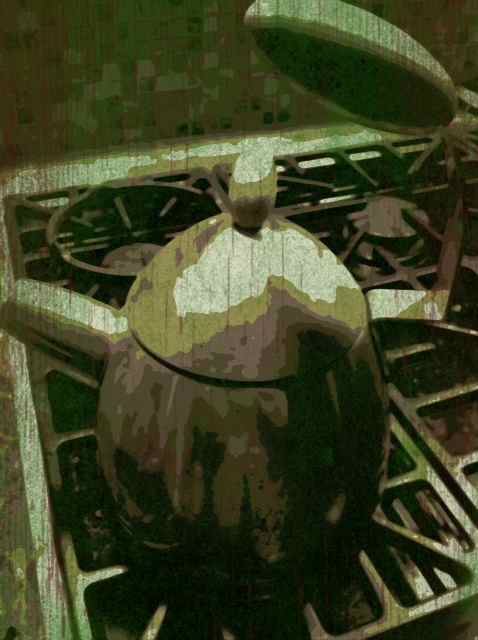
As a mixed media artist I’m ALWAYS on the lookout for altered photos. Now I can make my own easily. Here are some samples I did tonight using the three that come with the app. I’m using the same photo in each so you can compare the different effects. I didn’t label which style is which. Sorry. And as for manipulation, I simply hit the ‘random’ button and let the app do the work.
I could’ve manipulated sliders but I was being lazy.

There’s not much distortion on this one, some, but not a lot. I figured you should have some idea of what the basic image was.

Little more in this one.

This was using the Pop style. Pop always has a posterized effect.

Classic Grunge?

You can manipulate borders too.

This is just a small sample of some of the effects you can get. A small sample. Oh man, I’m going to have a lot of fun with this… think IMAGE TRANSFERS!!!
Oh yeah….